One line
await vg.add(gltf.scene) converts every static mesh of a glTF scene: materials, textures, shadows and instancing included. Then render as usual.
Virtual geometry for three.js WebGPU. Load your models, and every frame the GPU draws just the detail the screen can show. One line to set up.
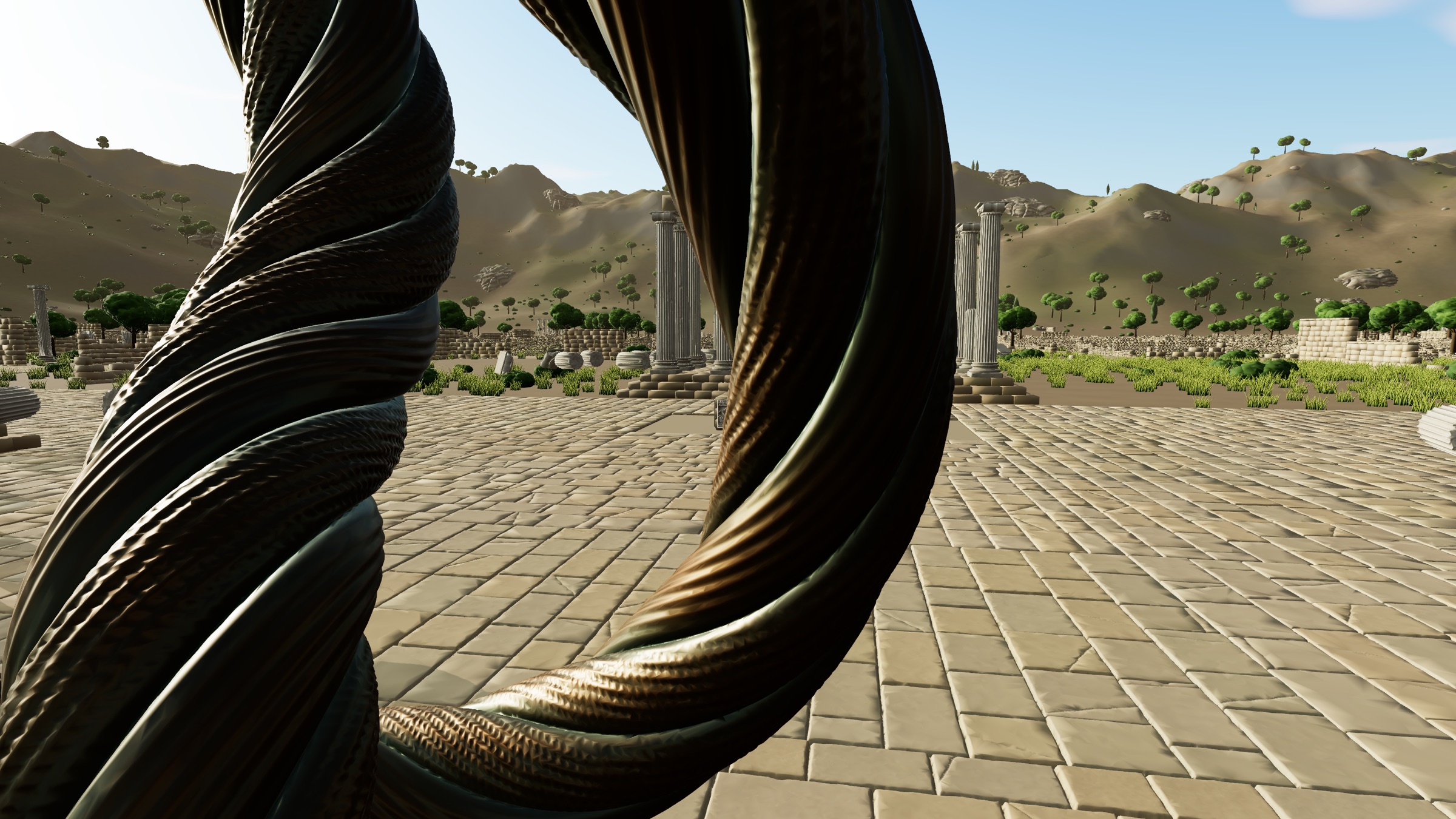
Measured uncapped (no vsync), shadows on: Apple M4 Pro, Chrome 154. Every scene and camera view · run them yourself
Rendering highly detailed scenes in real time usually means hand-made levels of detail, aggressive culling and a tight polygon budget. Virtual geometry removes the trade-off: every mesh is preprocessed into a hierarchy of small triangle clusters, and every frame a compute pass selects, per cluster, the coarsest version whose error is below a pixel on screen. Detail is then proportional to screen pixels, not to scene size.
three-virtual-geometry brings this technique to three.js on WebGPU. It builds the cluster hierarchy (with meshoptimizer), selects and culls clusters entirely on the GPU, and draws each mesh with a single indirect draw that works with three.js materials, lights and shadows. Foliage, which plain triangle simplification handles poorly, gets voxel-based coarse levels automatically. A whole scene goes through shared buffers and a fixed set of 12 compute passes, so a level with hundreds of different meshes costs the same per frame as one with a single mesh.
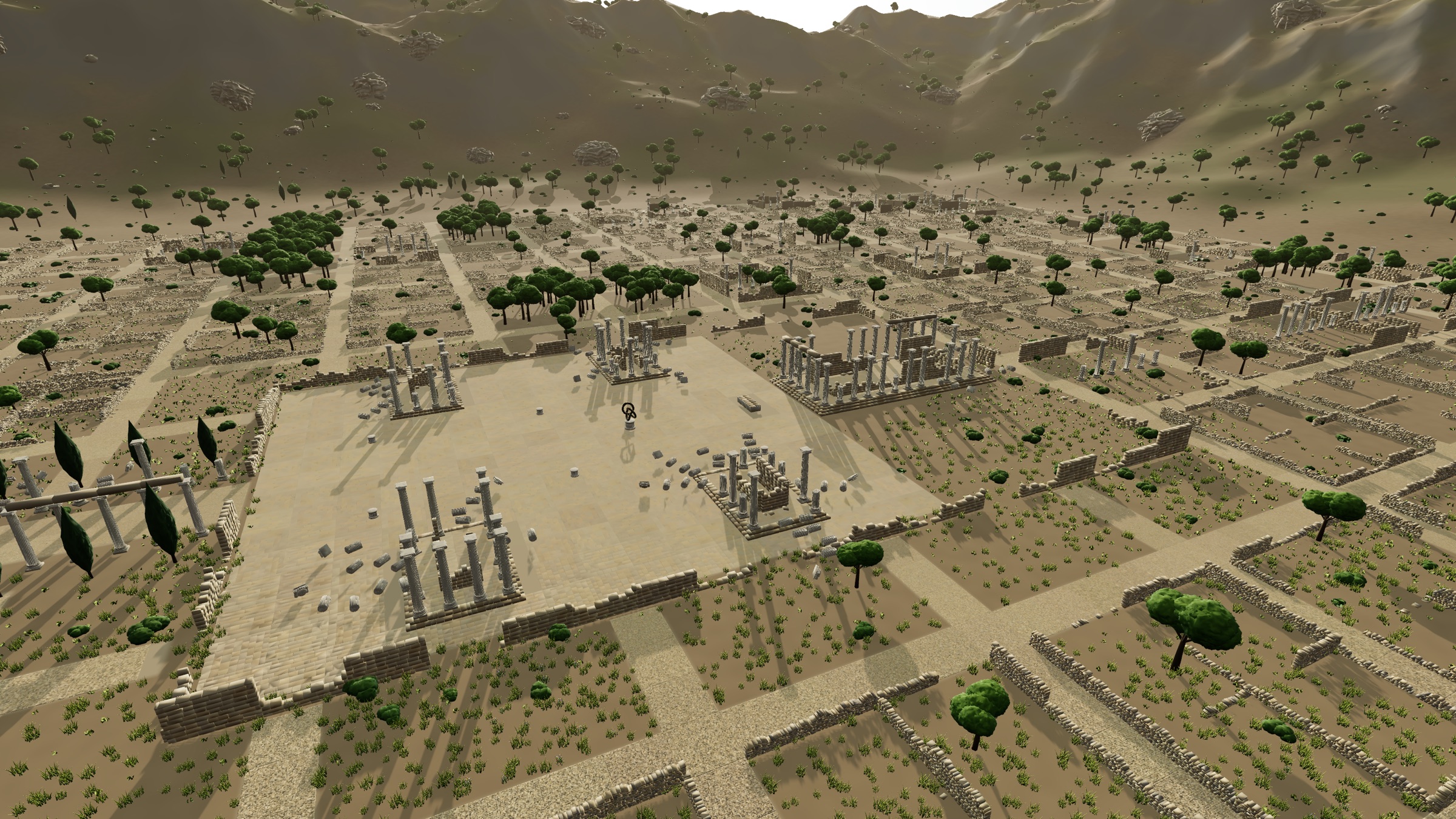
| Scene | Full-detail triangles | Instances | Drawn per frame | FPS at 1080p | FPS at 4K |
|---|---|---|---|---|---|
| Ruins | 5.7B | 113k | 6.5M – 9.0M | 160 – 230 | 103 – 158 |
| World (6 km) | 37.5B | 3.0M | 8.3M – 9.1M | 147 – 150 | 101 – 120 |
| Valley (2 km) | 1.1B | 152k | 3.1M – 8.6M | 159 – 329 | 109 – 203 |
| glTF import | 5.1M | 12k | 522k – 557k | 941 – 964 | 468 – 516 |
| Stress, 1M instances | 39.5B | 1.0M | 642k – 8.4M | 177 – 1,404 | 154 – 696 |
Uncapped (no vsync): frames are submitted back to back and the GPU is waited on after every 8, so this is the sustained frame rate, not the display's. Each camera view is measured in 3 rounds of 96 frames (median round), after the automatic occlusion setting has settled; ranges span the views of each scene. Error threshold 1 px, shadows on (the stress test has none). Apple M4 Pro, 24 GB, darwin 25.5.0, Chrome 154.0.8037.98, 2026-10-08.
Drawn triangles stay roughly constant as scenes grow, because detail follows screen pixels. Every camera view, and how to run the benchmark on your machine: Performance.
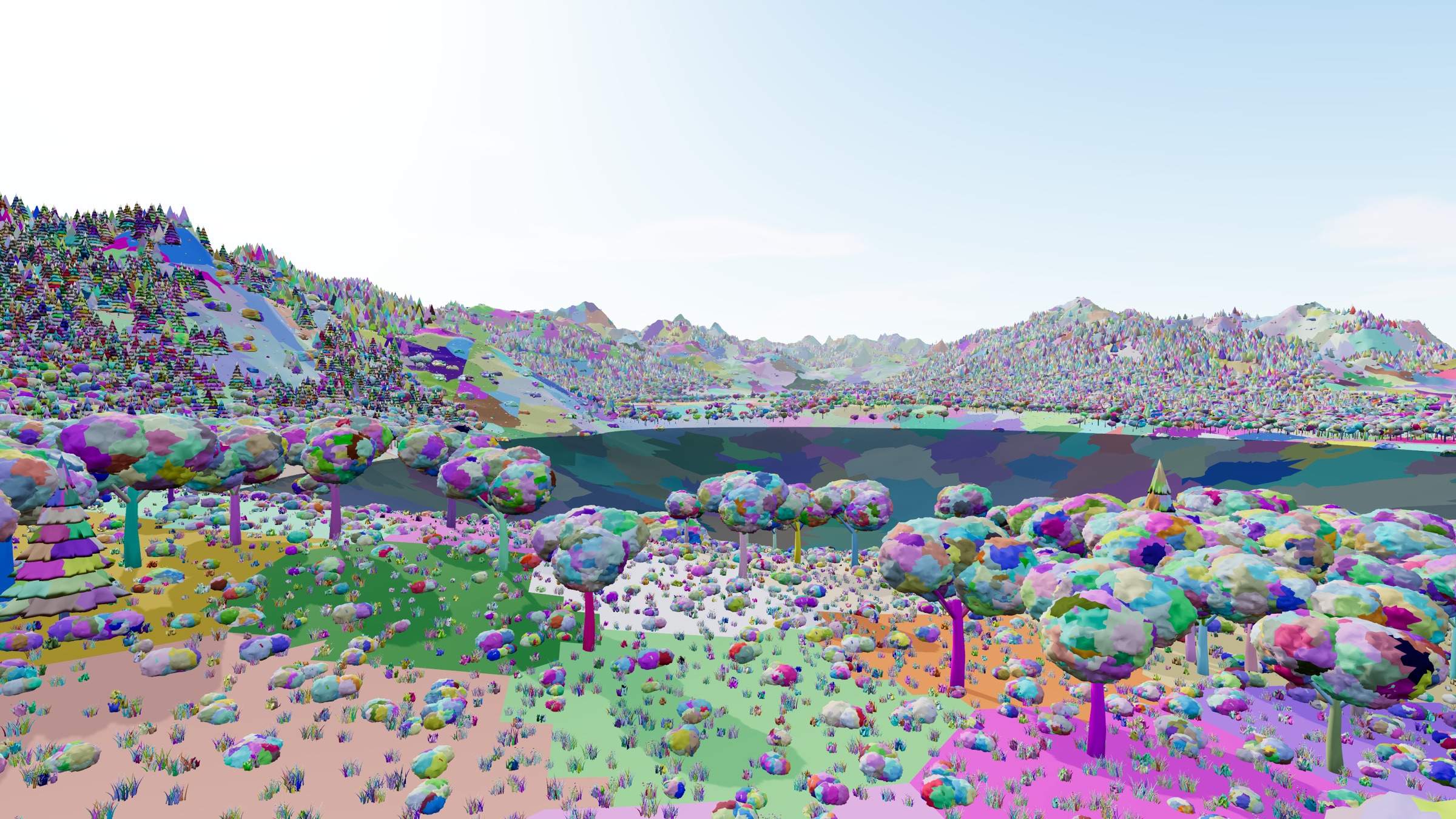
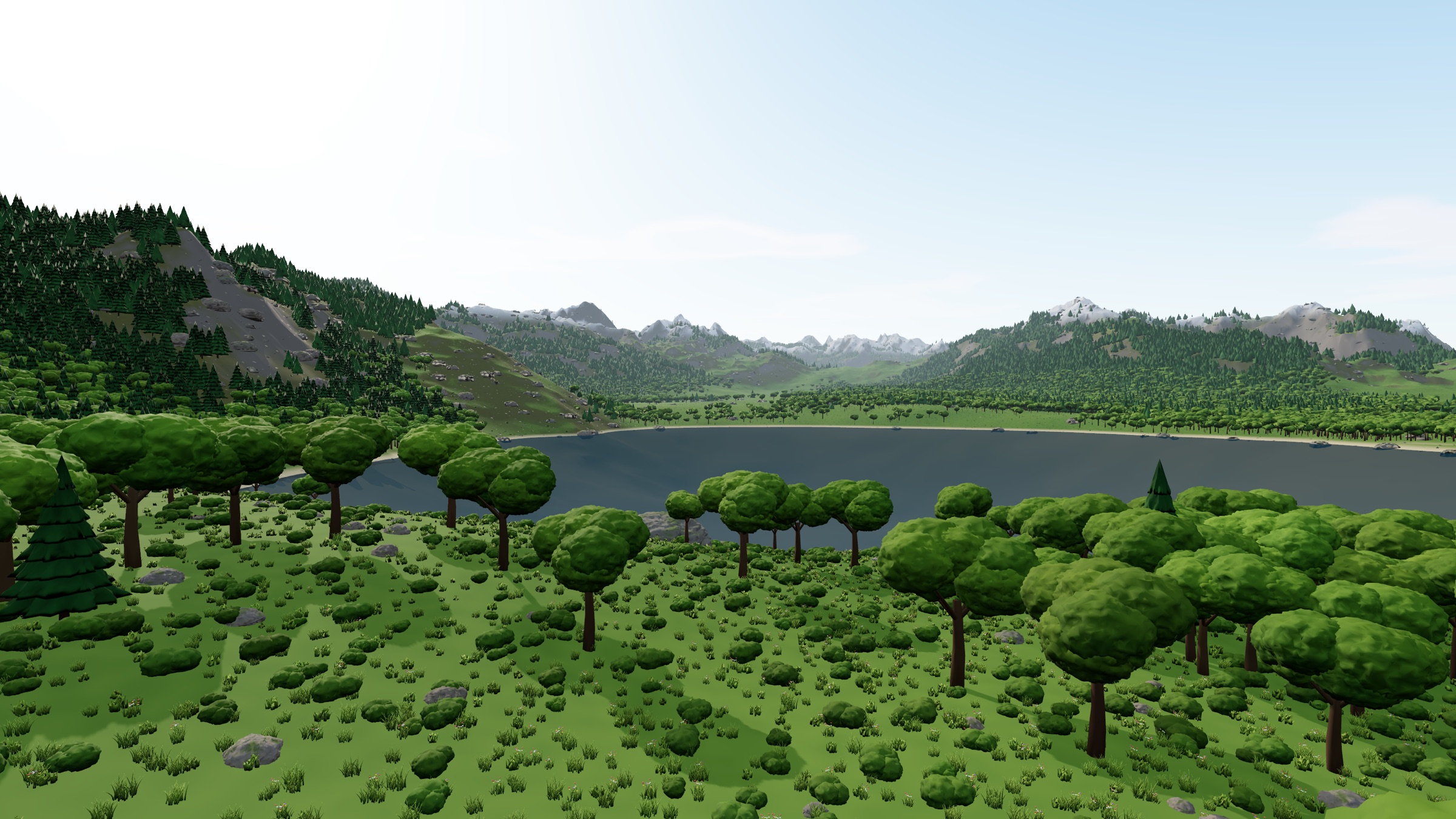
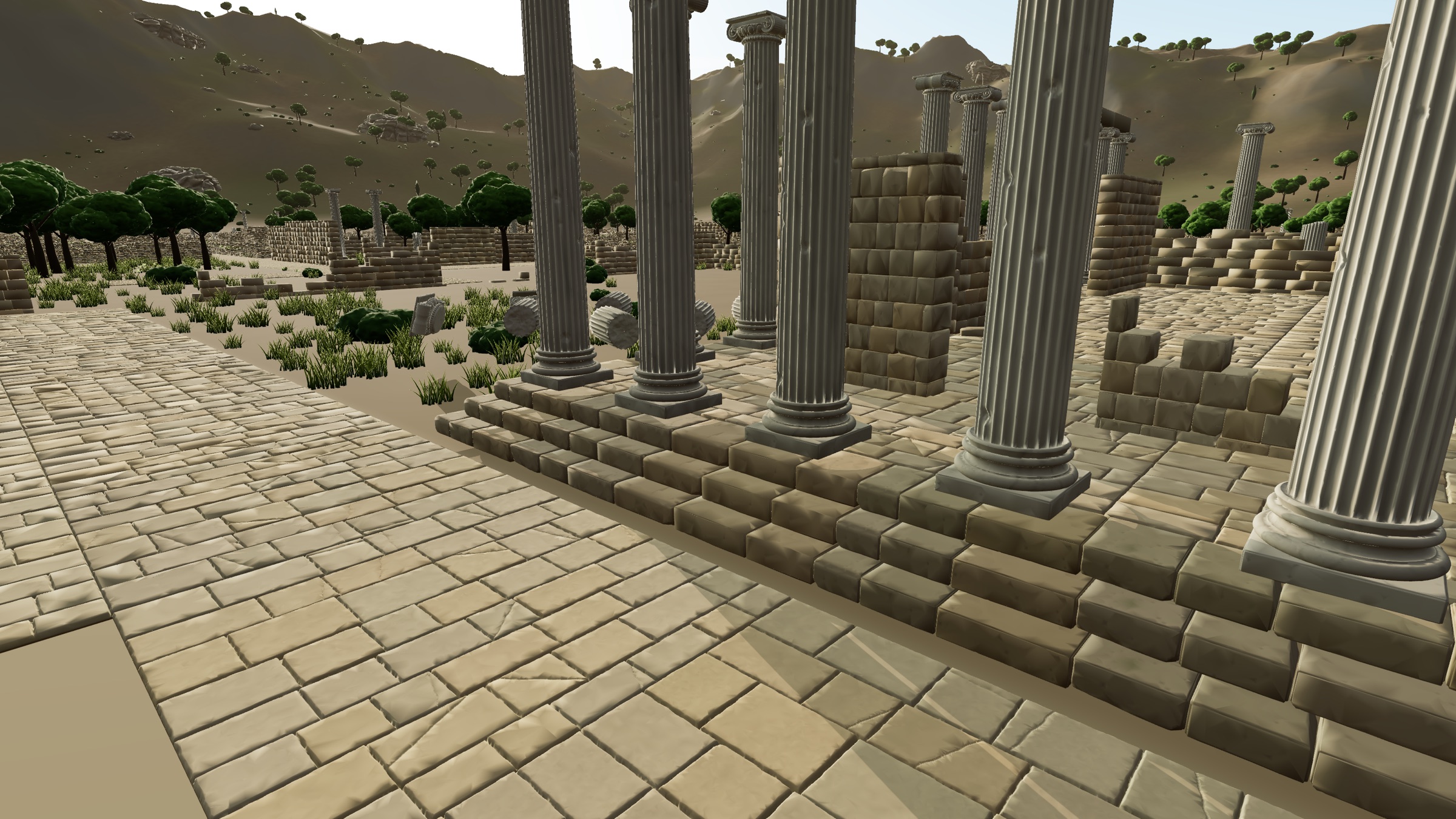
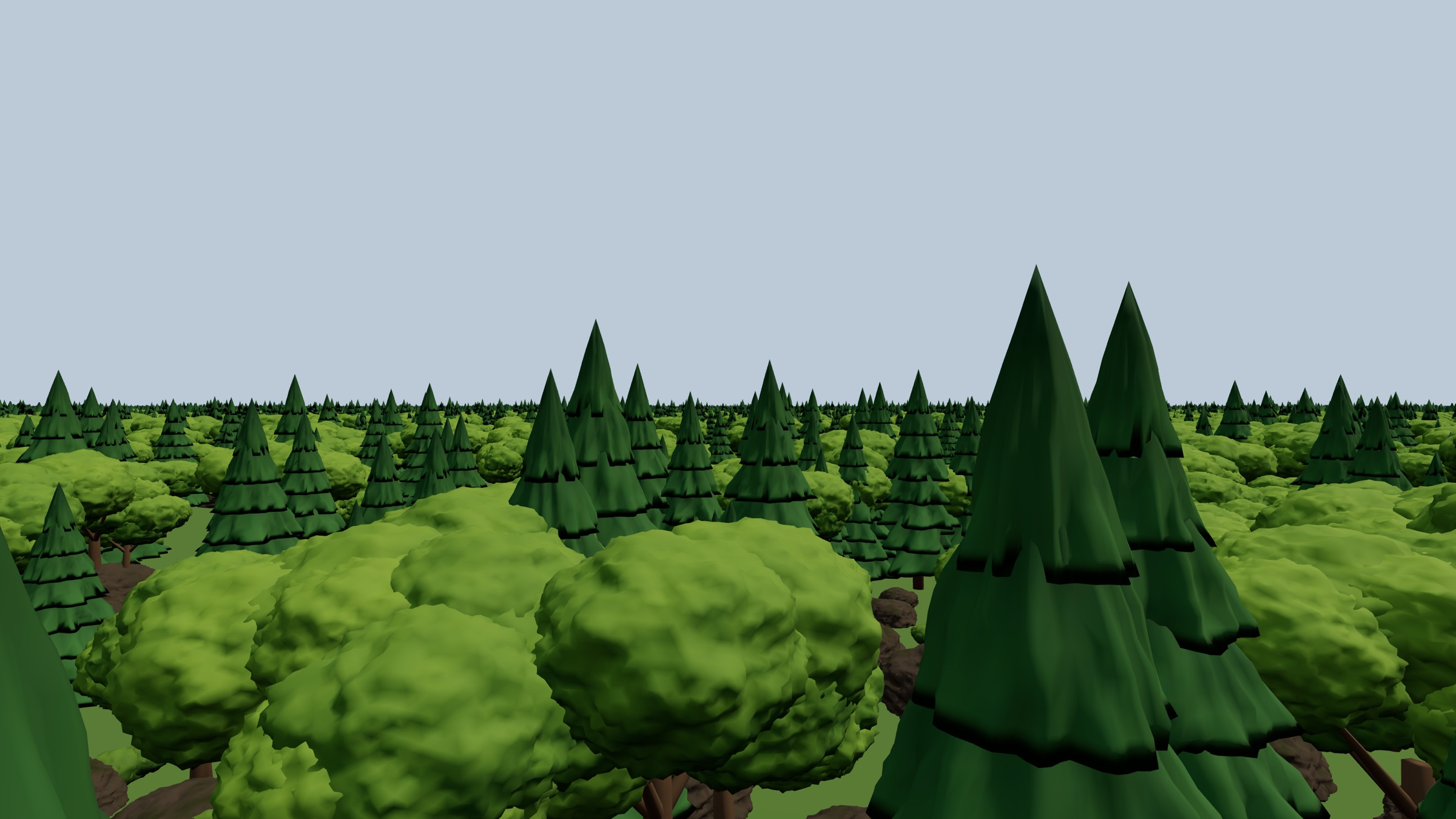
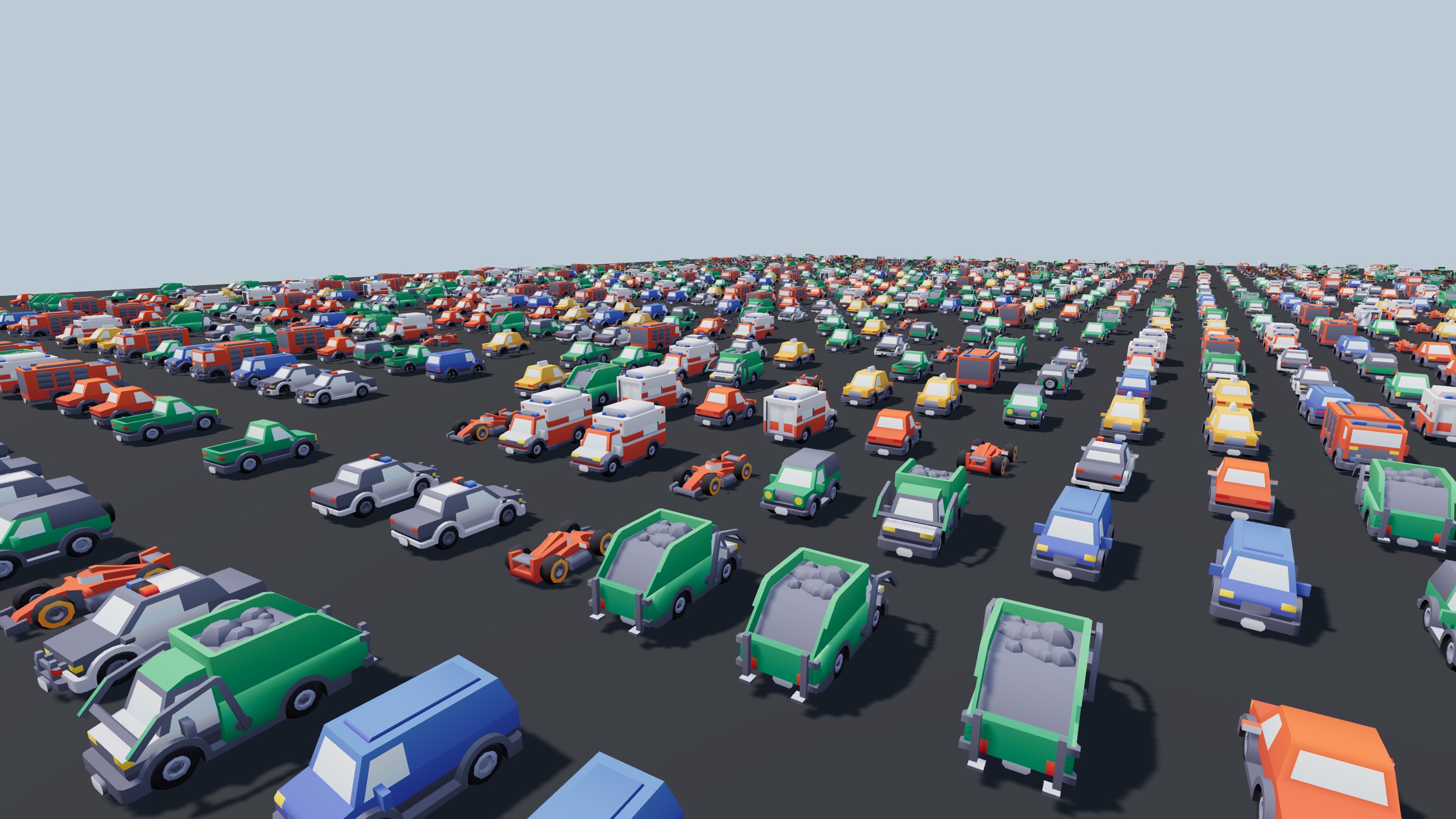
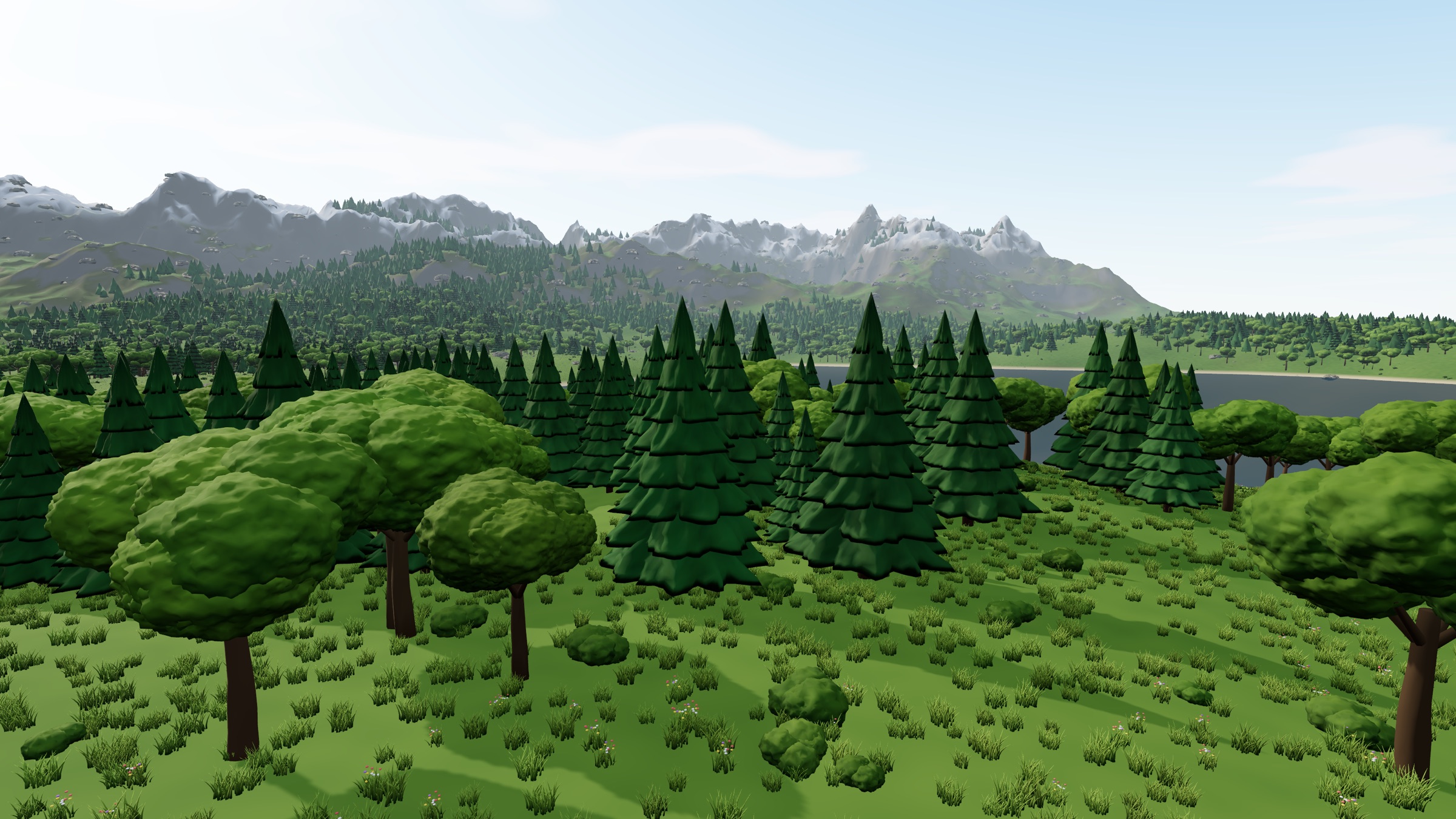
The scenes run right here, in your browser, with WebGPU (Chrome, Edge or Safari 26+), ordered from the heaviest to the lightest. Pick one and press run (the real scans are a recording: 2 GB is too much for a web page). Only the selected scene runs, and it pauses when you scroll away. The first load builds the scene's cluster hierarchies; later loads come from the browser cache. The left panel shows what the GPU is doing, and the settings panel on the right holds the levers.
More detail: How it works.
import { VirtualGeometry } from 'three-virtual-geometry';

const vg = new VirtualGeometry();
await vg.add(gltf.scene);   // every static mesh becomes virtual geometry
scene.add(gltf.scene);
renderer.setAnimationLoop(() => renderer.render(scene, camera));
Getting started · Let your AI agent set it up
This is an independent, open-source recreation of the virtual geometry technique popularized by Nanite, written from public descriptions of the technique. It contains no code, shaders, binaries or assets from Epic Games, and is not affiliated with or endorsed by Epic Games. "Nanite" is a trademark of Epic Games, Inc. Parts of the preprocessing and GPU pipeline started from the MIT-licensed nanite-webgpu by Marcin Matuszczyk. Mesh simplification and clustering use meshoptimizer by Arseny Kapoulkine. Cars in the import demo are from the Kenney Car Kit (CC0).
@software{benhaim2026threevirtualgeometry,
  author = {Ben-Haim, Elad},
  title  = {three-virtual-geometry: Virtual Geometry for three.js WebGPU},
  year   = {2026},
  url    = {https://github.com/elad12390/three-virtual-geometry},
  license = {MIT}
}