Open Task Manager
A fast, native, open-source system monitor for macOS and Linux. See every process as a tree, what each app really costs, and act on it — all locally.
macOS 13 or later (Apple silicon and Intel) · Linux x86_64 and arm64 · Apache-2.0
Homebrew: brew install --cask elad12390/tap/open-task-manager · all files on the
latest release
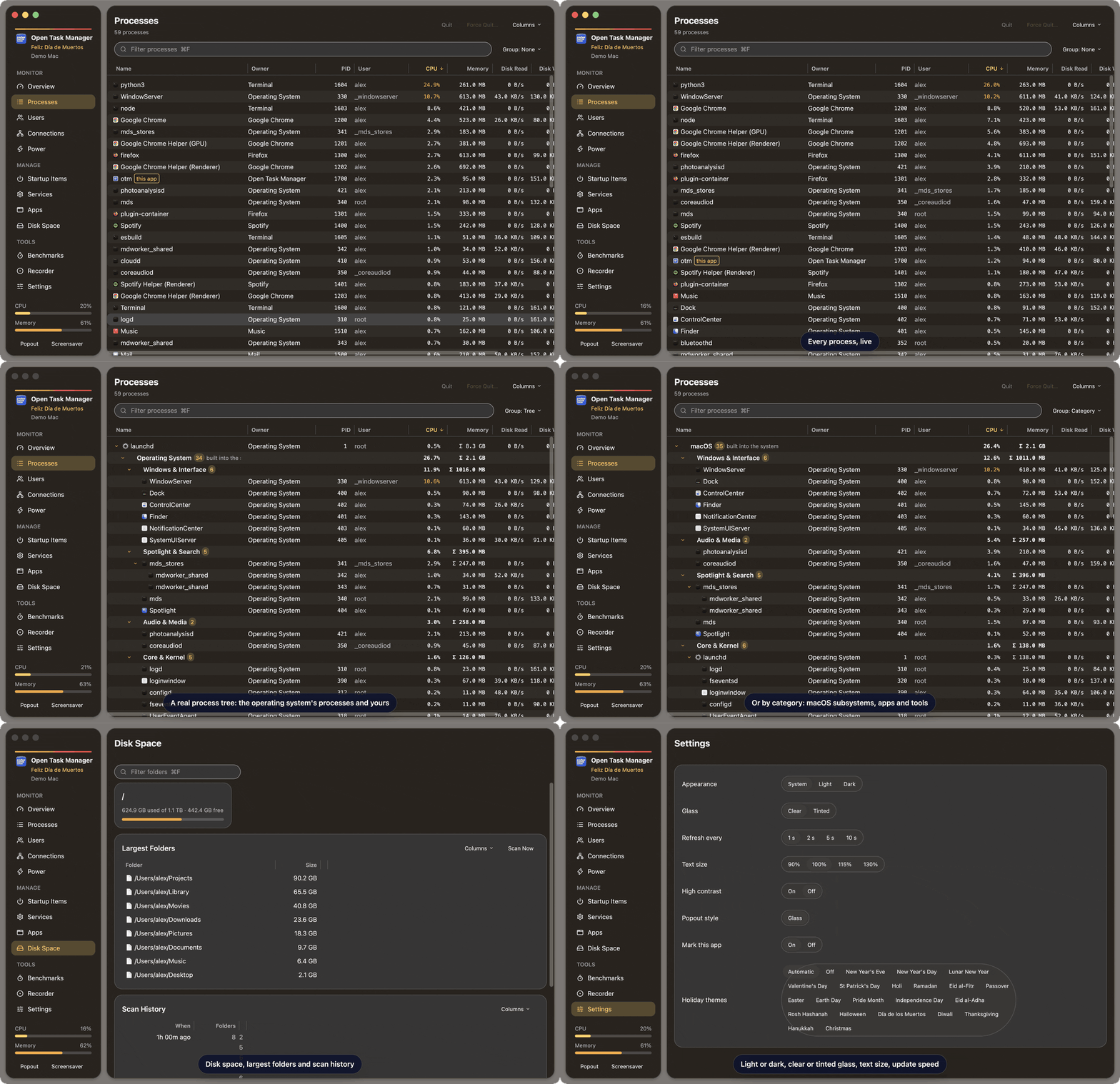
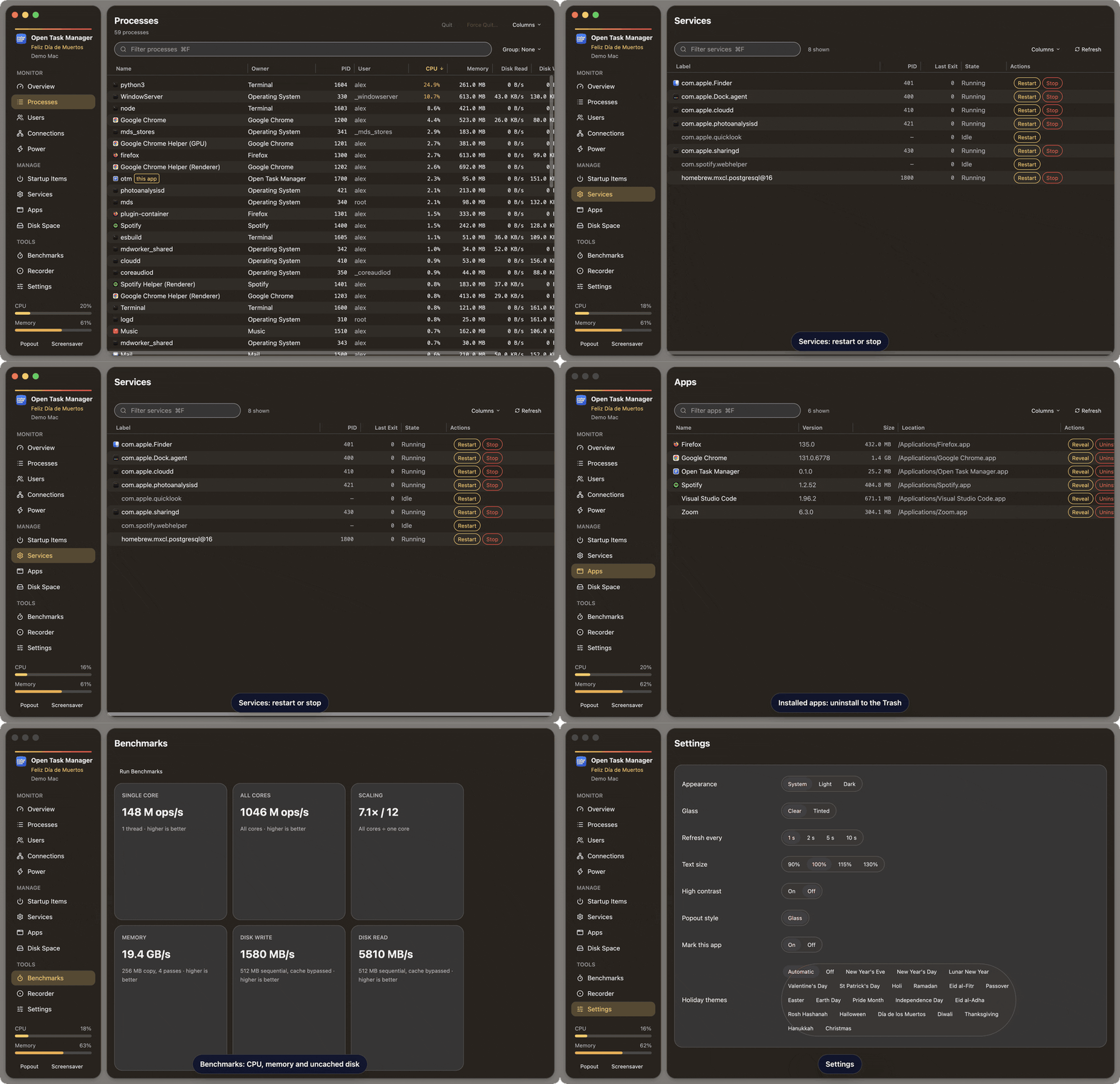
Recorded in the app's demo mode, which shows a fictional Mac (and a fictional PC on Linux).
Everything you expect from a task manager — and more
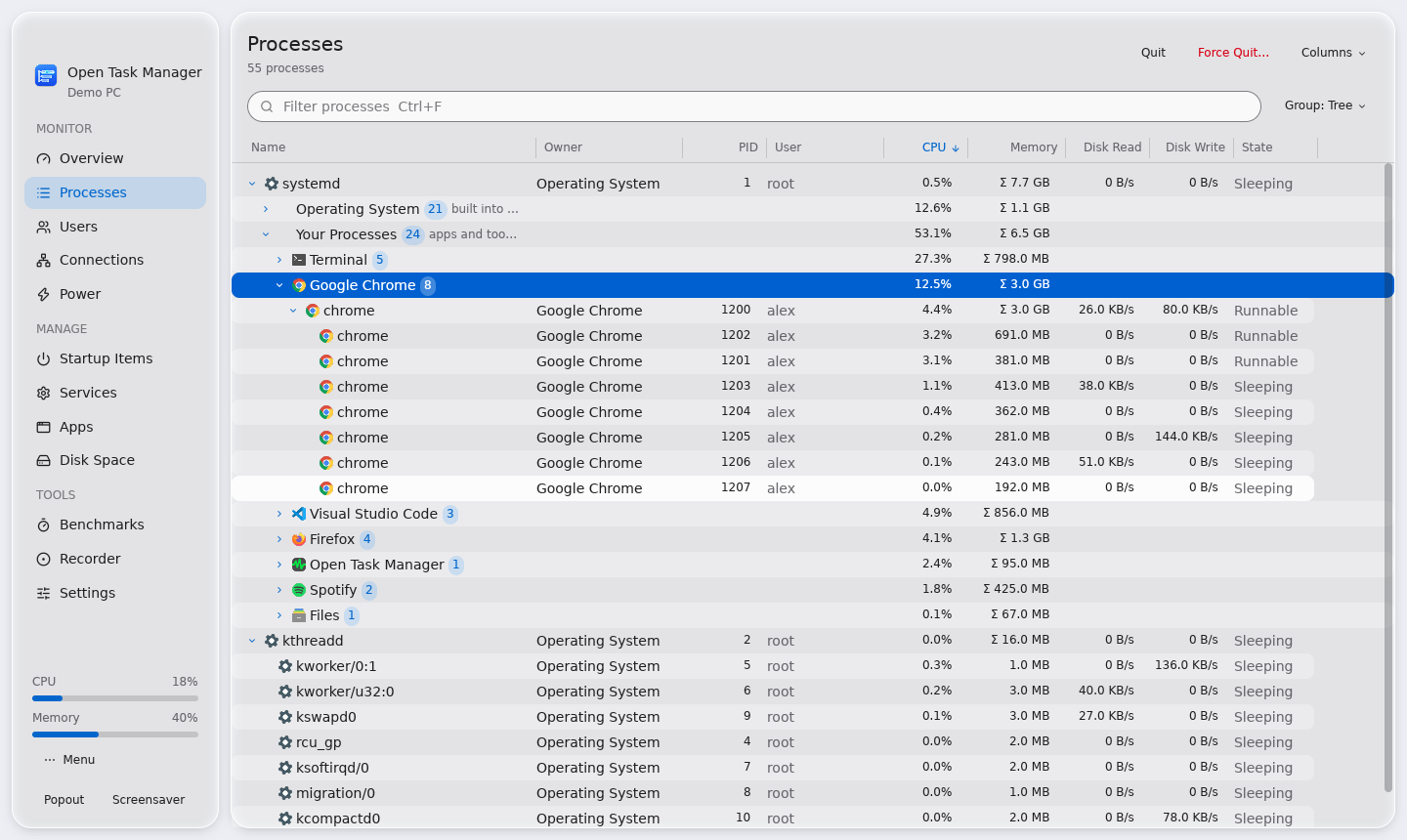
A real process tree
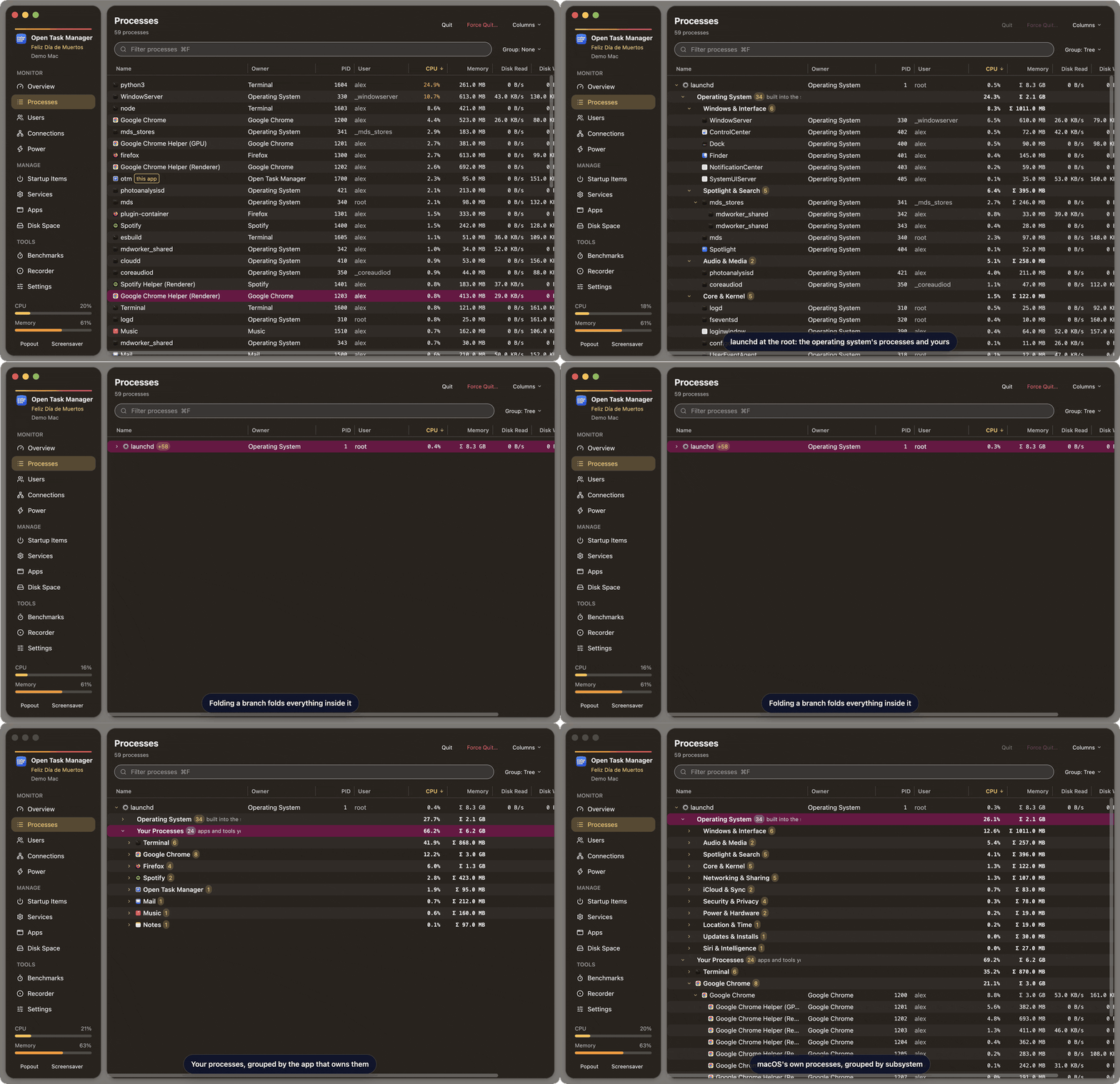
launchd or systemd at the root, the operating system's processes and yours in separate branches, grouped by subsystem and by the app that owns them, Flatpak and Snap apps included.
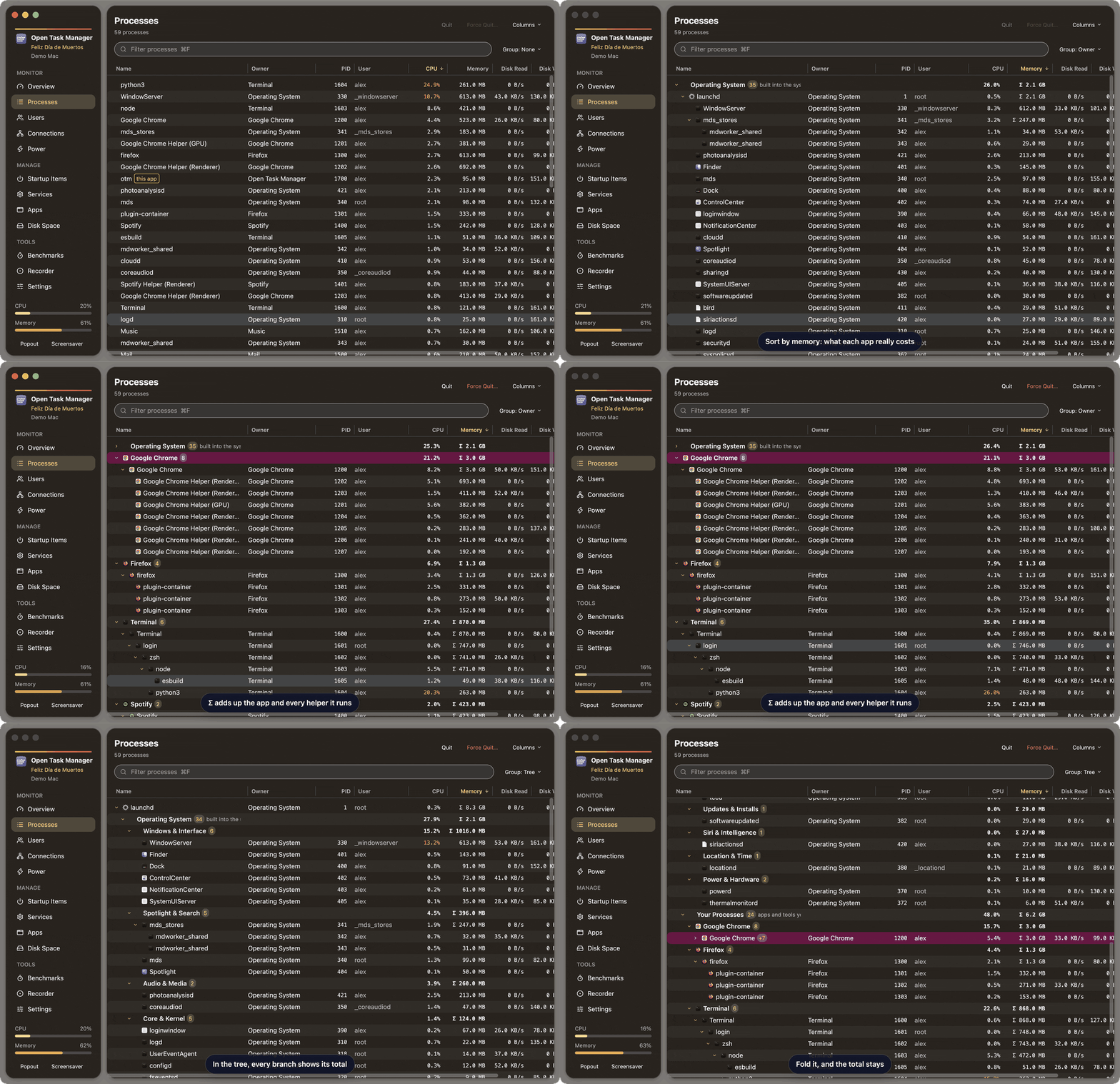
Memory per app
Every branch sums its whole subtree, so a browser and all its helpers show up as one number.
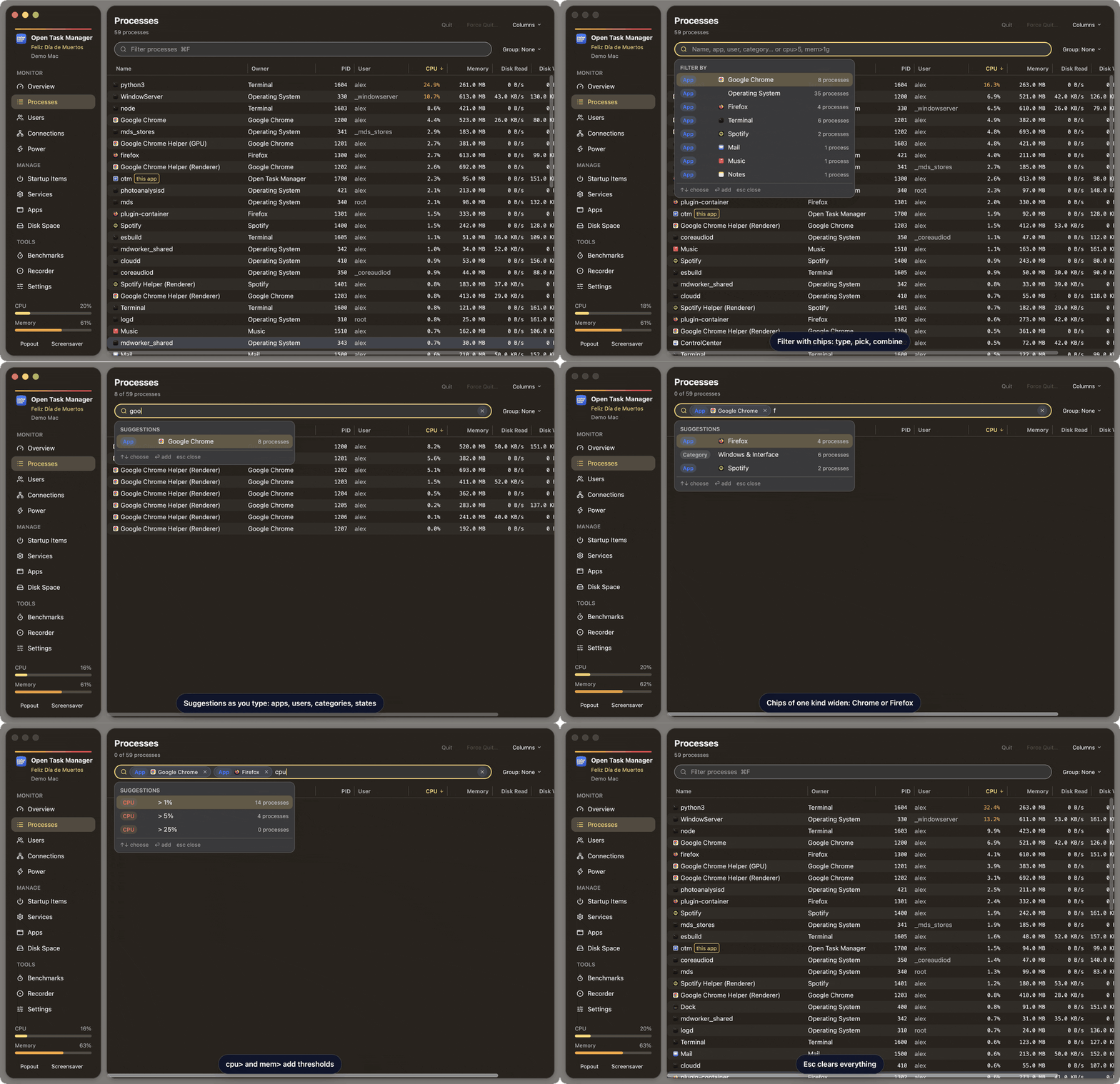
Dynamic filters
Autocomplete chips for apps, users, categories and states, plus cpu>5 and
mem>1g thresholds.
Right-click actions
Quit, force quit (with children), suspend and resume, show in Finder or your file manager, show connections, copy details. The system's own processes are protected; on Linux, another user's process asks polkit first.
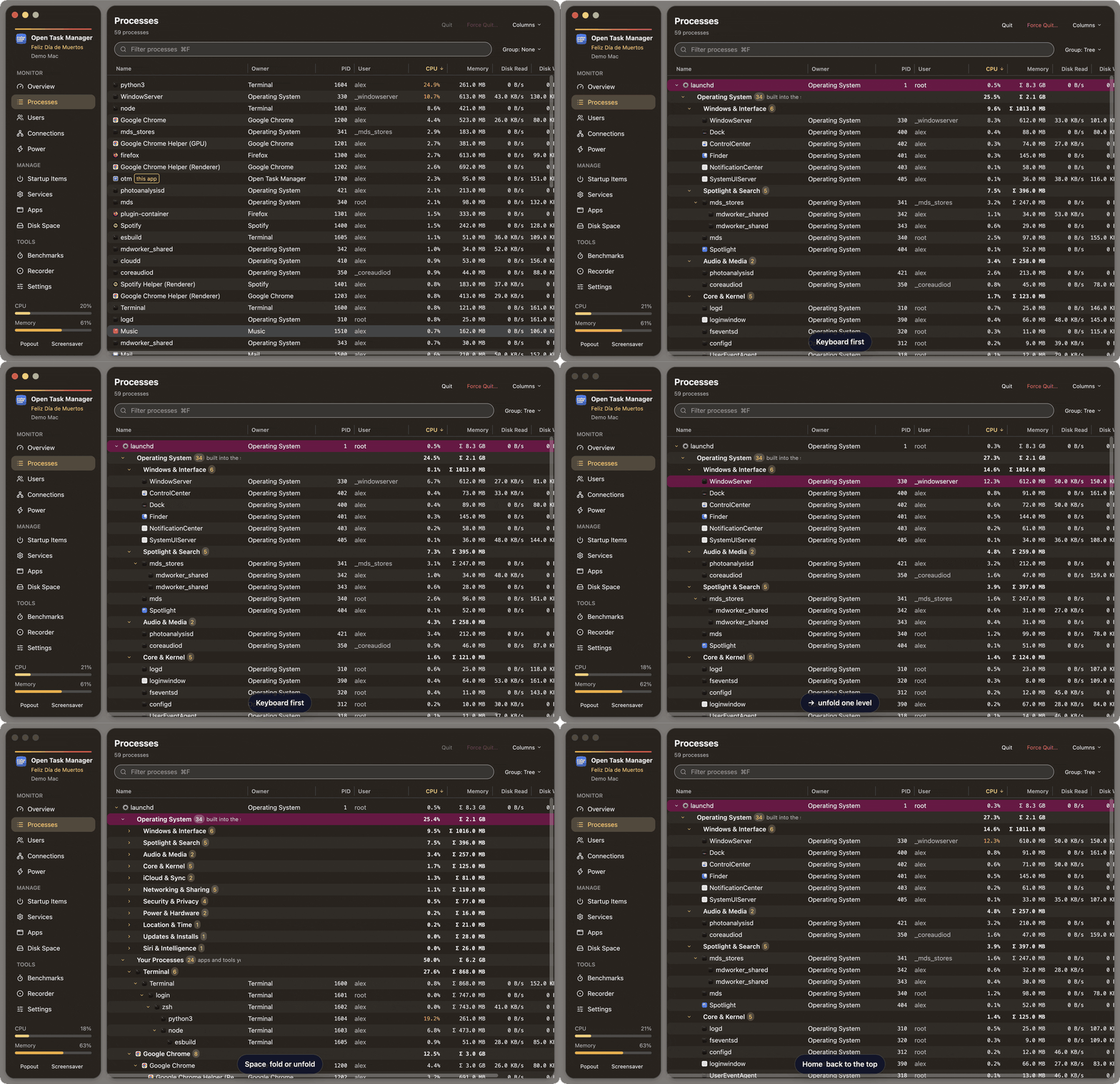
Keyboard first
↑ ↓ to move, ← → to fold, Space to toggle, ⌥→ to open a whole branch. Folding folds everything inside.
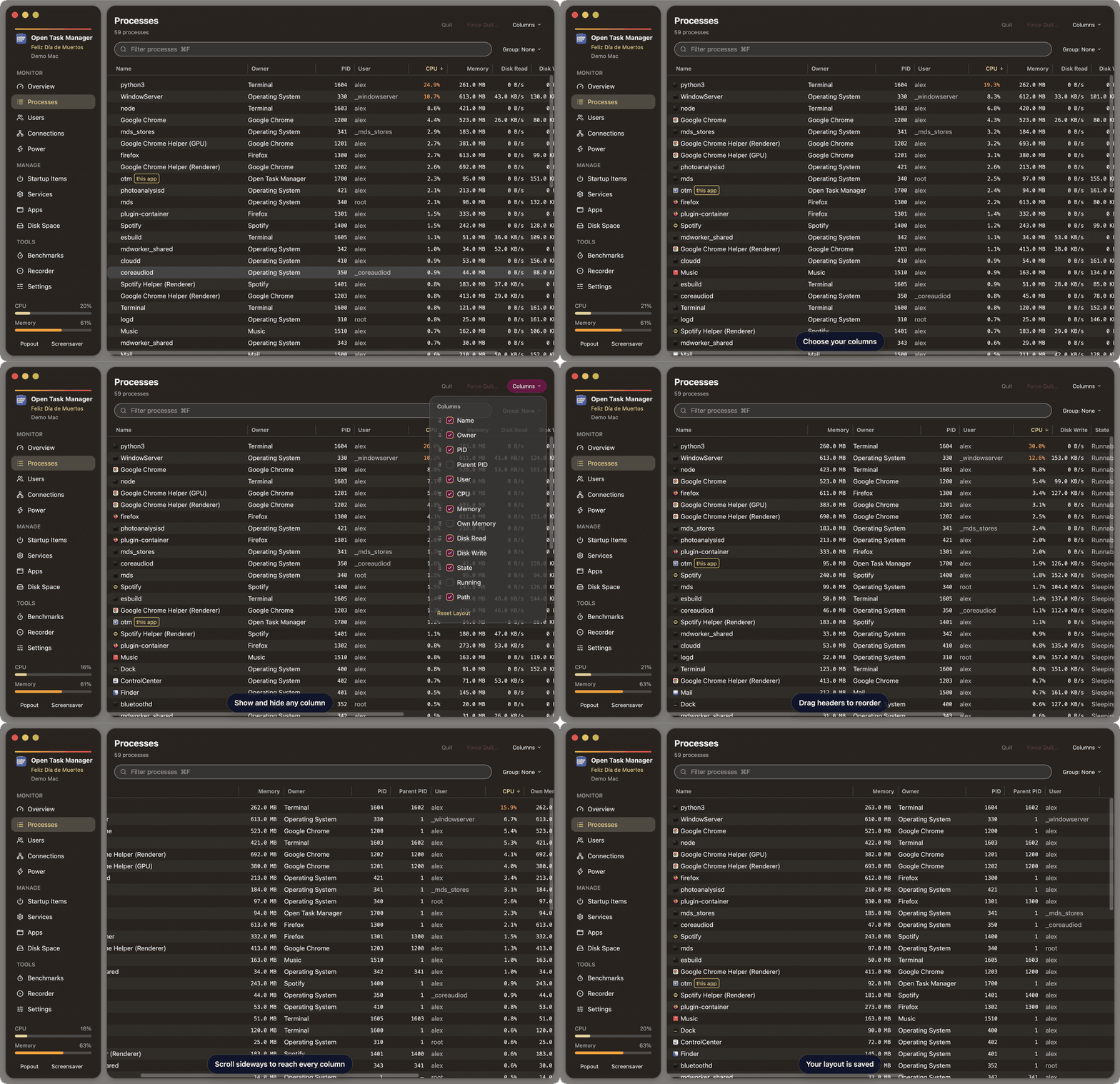
Your columns
Show, hide, drag to reorder, drag to resize, sort, and scroll sideways. App icons keep it scannable.
The whole system
Overview, per-core load, network, disk space with scan history, power and thermal state, users and open connections.
Manage startup and services
Enable or disable launch agents (macOS) or autostart entries and systemd user units (Linux), restart or stop services, and uninstall apps: to the Trash on macOS, with their own package manager on Linux.
Record and benchmark
A flight recorder you can replay, and CPU, memory and uncached disk benchmarks.
Native and light
Rust and GPUI on both systems, Liquid-Glass styling on macOS, light and dark mode, a popout mini monitor and a screensaver.
See it in action
cpu>5 and mem>1g.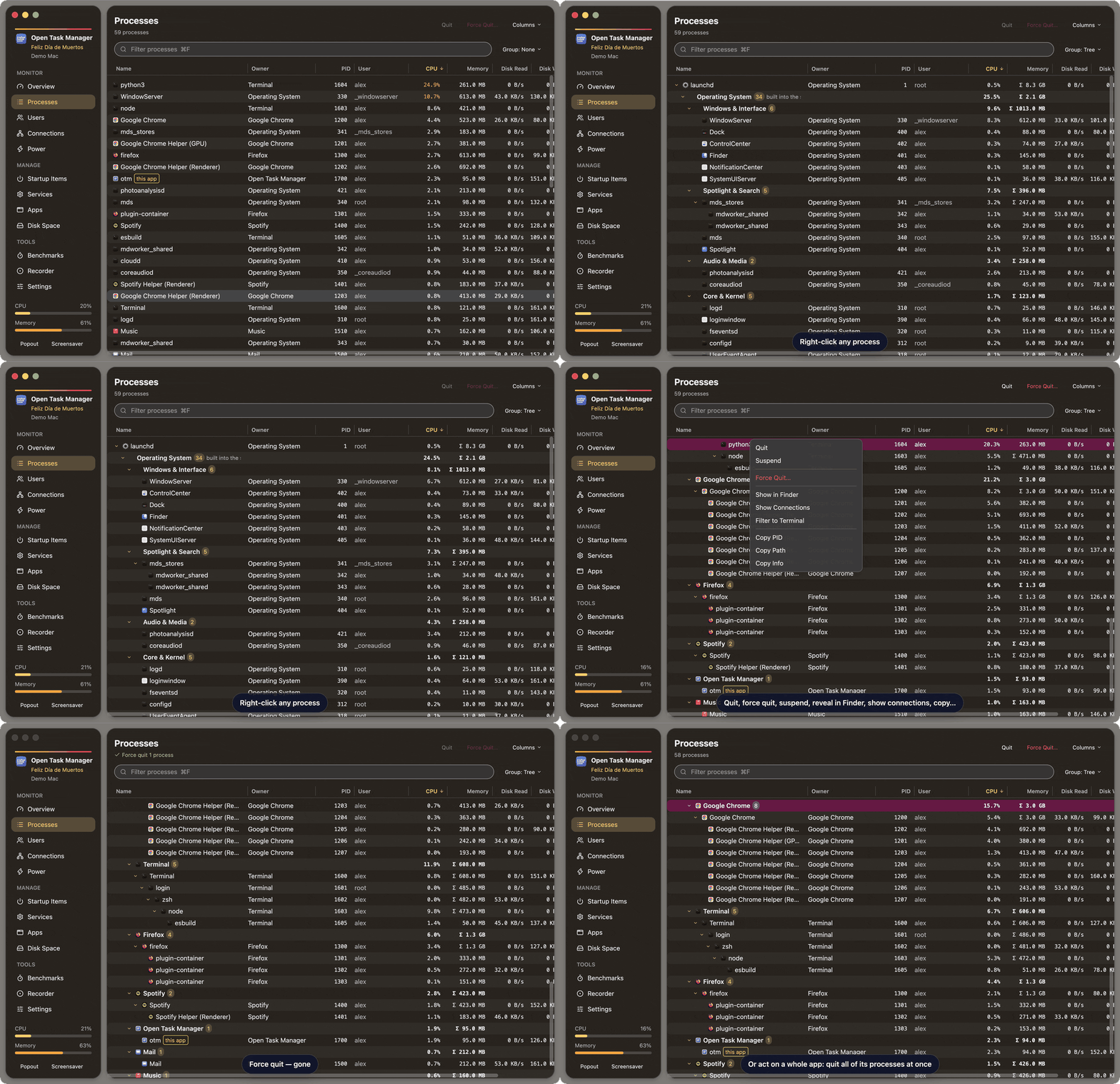
Private by design
No telemetry, no accounts, no network requests. Open Task Manager reads your system with its own tools and keeps its settings on your computer. The Flatpak has no network access at all.